
This document is a quick operation guide that introduces various functions and settings of a music device. It includes MIDI channel selection, touch sensitivity adjustment, and sound effect settings.
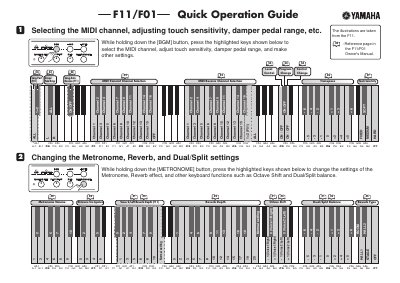
This document serves as a quick reference guide for the Yamaha F11 and F01 digital keyboards. It provides instructions on how to select MIDI channels, adjust touch sensitivity and damper pedal range, and configure metronome and reverb settings using specific button combinations.
The guide also details procedures for managing Dual/Split modes, including raising or lowering split points and selecting voices for the left hand. Additionally, it covers fine-tuning pitch in 0.2Hz steps and accessing version information via the Moving Key feature.
While holding down the [BGM] button, press the highlighted keys shown in the guide to make the selection.
Hold down the [METRONOME] button and press the highlighted keys to change the settings.