
This instruction manual explains how to install the PWK-150 wall mount. It includes installation precautions and steps.
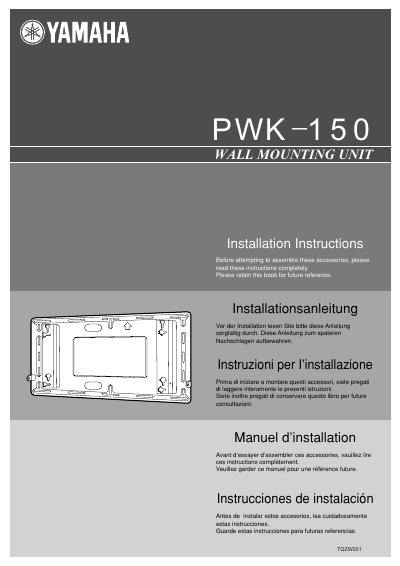
This document provides installation instructions for the Yamaha PWK-150 wall mounting unit designed for wide plasma displays. It includes multilingual warnings regarding qualified technicians, load-bearing capacity, ventilation requirements, and environmental conditions to prevent fire or injury.
The guide details the components included in the package, such as Allen keys, screws, bolts, and washers. It outlines a step-by-step installation procedure involving wall strength verification, hole positioning using specific dimensions, and securing the unit with M6 bolts appropriate for various wall materials like wood, steel frame, or concrete.
The wall mounting unit weighs approximately 6 kg (13.2 lbs).
You must maintain at least 10 cm (4 inches) of space at the top, bottom, and sides.
The temperature around the display must not rise above 40°C (104°F).