
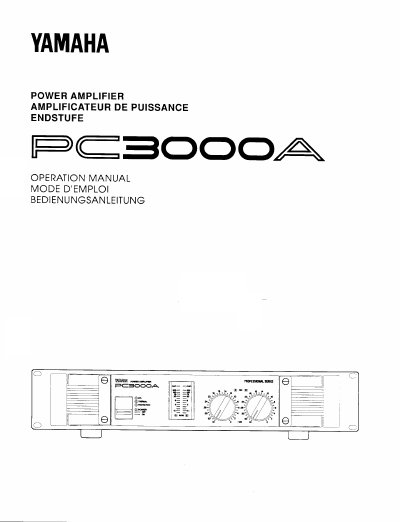
The Yamaha PC3000A Power Amplifier is designed for high power and high quality audio and PA applications. It features a small design with continuous power output of 330W + 330W for stereo 8 ohm loads and 900W for monaural 8 ohm loads. The unit includes extensive protection circuitry, including automatic fan cooling, DC detection, a PC limiter circuit, and a POWER ON MUTE function to protect speakers.
| Power Output (Stereo 8 ohm) | 330W + 330W |
|---|---|
| Power Output (Monaural 8 ohm) | 900W |
| Thermal Indicator Threshold | 80 degC |
| Fan Activation Threshold | 60 degC |
| Input Attenuator Range | 0 dB to -20 dB |
The protection circuitry is activated, cutting off sound to the speakers. It will automatically deactivate once the problem is corrected.
Turn the POWER switch OFF, set the rear panel MODE switch to MONO, connect the signal to Channel A input, and connect the positive speaker lead to Channel A and the negative lead to Channel B.
The fan begins to rotate when the heat sink temperature exceeds 60 degC and increases speed as the temperature rises.