
This guide provides an overview of how to use the VWorks Automation 1Control software. The general procedure for using the software involves adding devices, creating a protocol, adding tasks, compiling the protocol and simulating its execution, and starting, pausing, and stopping the protocol execution.
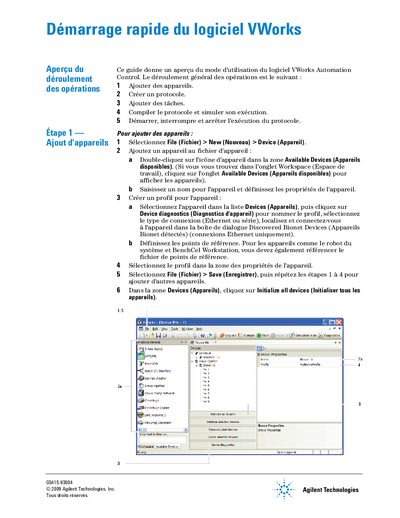
This document provides a quick overview of using the Agilent VWorks Automation Control software. It outlines the general workflow for adding devices to the system, creating protocols, defining tasks, and compiling or simulating protocol execution.
The guide details specific steps for configuring device profiles via Ethernet or serial connections, setting up laboratory hardware locations, and defining processes such as plate handling. It also explains how to compile protocols to check for logical errors and simulate execution to detect deadlocks before running the actual procedure. This manual is written in French.
Consult the User Guide of VWorks Automation Control or the device user guide.
Contact Agilent Technologies at +1.800.979.4811 (US only) or visit www.agilent.com.