
This document is the installation guide for the Accessory CD-ROM for Windows, which includes copyright notices, installation precautions, prohibition of copying, and copying of commercial music data. Users are also reminded to download the latest version of the software.
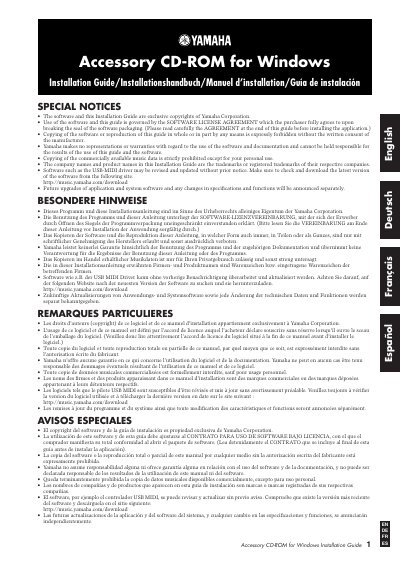
This guide provides installation instructions for the Yamaha Accessory CD-ROM for Windows. The CD-ROM contains application software, including the USB-MIDI driver, Internet Direct Connection Flash Demo, Digital Music Notebook Flash Demo, MEGAEnhancer, and various song data files. It is designed for use with Yamaha instruments connected to a computer via USB.
| Operating System | Windows 2000/XP Home Edition/XP Professional |
|---|---|
| CPU | 166 MHz or higher; Intel Pentium/Celeron Processor family |
| Memory | 32 MB or more (64 MB or more is recommended) |
| Hard Disk Space | at least 3 MB of free space |
It enables MIDI communication and control between the instrument and the computer via a USB connection.
No, the CD-ROM is not meant for use with an audio/visual system such as a CD player or DVD player.
You must install Adobe Reader on your computer to view the PDF files.