
This document is an instruction manual for the underwater lens port for the PT-E series. It provides information on the precautions, safety tips, and usage restrictions of the product.
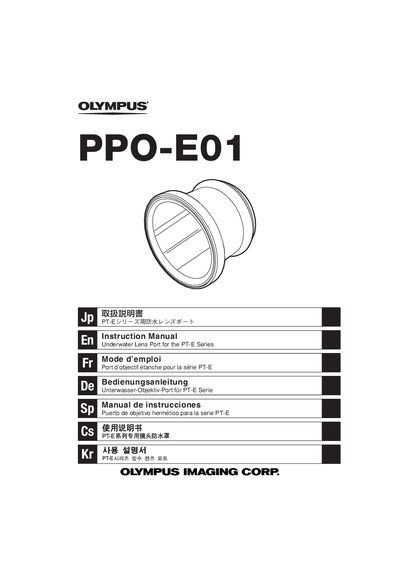
The Olympus PPO-E01 is an underwater lens port specifically engineered for the PT-E Series waterproof protector. It enables zoom operation on compatible lenses when used in conjunction with the included zoom gear, allowing users to control focus and zoom while submerged.
This manual provides detailed instructions on installing the port onto the PT-E Series body, removing it safely, attaching the optional zoom gear to the lens, and loading a camera into the protector. It also outlines critical safety precautions regarding water depth limits (up to 60m) and proper handling of O-rings to maintain waterproof integrity.
| Maximum Operating Depth | 60m |
|---|---|
| Compatible Series | PT-E Series |
The product is designed for use within a water depth of 60 meters.
No, you must only use it with compatible lenses from the PT-E Series.
Attach the included zoom gear to the lens's zoom ring, ensuring the rotation direction and position are correct before locking it.