
This document is an instruction manual for the PT-E series underwater lens port. It provides information on the product's usage, safety precautions, and instructions.
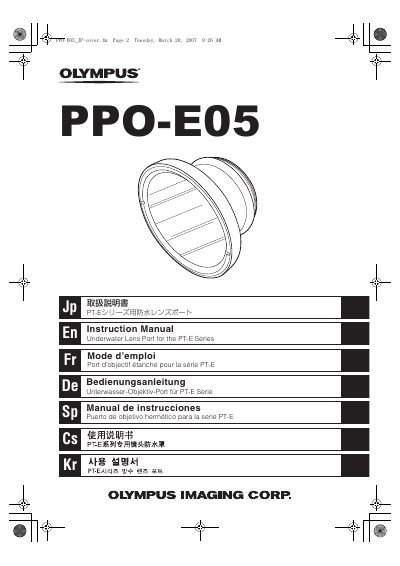
The Olympus PPO-E05 is an underwater lens port specifically designed for the PT-E Series waterproof protector. It enables zoom operation on compatible lenses while submerged in water by utilizing an attached zoom gear mechanism.
This document provides instructions on installing and removing the port from the PT-E Series body, attaching the included zoom gear to the lens, and performing necessary maintenance after each dive to ensure continued waterproof performance. This manual is written in Japanese.
The product is designed for use in water up to a depth of 40 meters.
You must rotate the PPO-E05 counter-clockwise approximately 90 degrees to loosen it.