
This document introduces the installation steps of Agilent G2080AA Retention Time Locking (RTL) System.
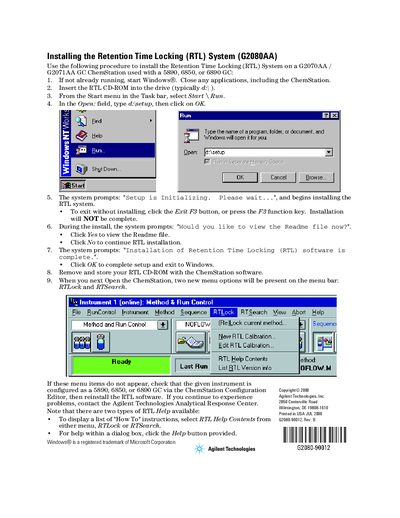
This guide provides step-by-step instructions to install the Retention Time Locking (RTL) System, model G2080AA. The installation is performed using a CD-ROM and requires Windows operating system access with any existing applications closed.
The RTL system is designed for use with ChemStation versions G2070AA or G2071AA when paired with 5890, 6850, or 6890 Gas Chromatographs. Upon successful installation and opening the ChemStation, new menu options named RTLock and RTSearch will appear on the menu bar.
The system is used with a ChemStation on a 5890, 6850, or 6890 GC.
The RTL system is installed on a G2070AA / G2071AA GC ChemStation.
Two new menu options, RTLock and RTSearch, will be present on the menu bar.