
This document describes how to mount a new valve head on the valve actuator, including the steps and precautions.
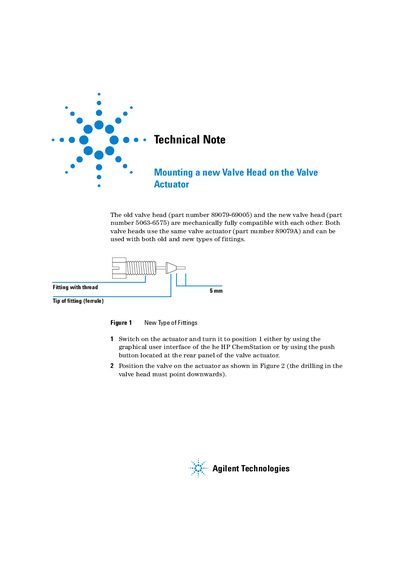
This document details the replacement of an old valve head (part number 89079-69005) with a new one (part number 5063-6575) on a Valve Actuator. Both heads are mechanically compatible and utilize the same actuator unit (part number 89079A). The text confirms that both old and new types of fittings can be used with these valve heads.
The actuator is mechanically fully compatible with both the old valve head (part number 89079-69005) and the new valve head (part number 5063-6575).
You can turn it to position 1 either by using the graphical user interface of the HP ChemStation or by using the push button located at the rear panel.
The default position is position 1, where the flat side at the end of the axis faces upwards.