
This document provides instructions for installing the Auxiliary Pressure Agilent 6850 GCs Accessory G3349B Control Module and lists the included accessories. The module is factory-assembled and should not be disassembled during installation. The accessories include cable ties, hex nuts with lockwashers, disposable wrist strap, Minifold label, restrictor kit, back panel replacement, user information CD, ChemStation software CD, and installation sheet.
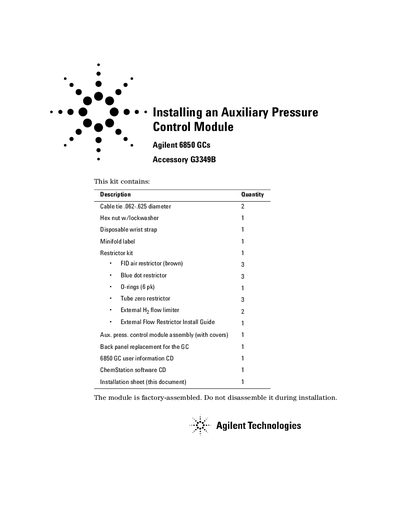
This document provides instructions for installing the factory-assembled Agilent G3349B Auxiliary Pressure Control Module assembly onto an Agilent 6850 GC. The kit includes a new back panel, necessary hardware, and software updates.
The installation process involves disconnecting the instrument, removing the original back panel screws, and attaching the new module to the rear of the unit using provided hex nuts and lockwashers. Optional instructions are included for changing flow restrictors (frits) in the auxiliary channels if required.
You need a Torx T-20 screwdriver and needle-nose pliers.
You must remove seven T-20 screws and save them.
You must use either the High (blue dot) or Medium (red dot) frit.