
This document is the user manual for Agilent Technologies G1369B LAN Interface, providing instructions on how to use the product and important notices.
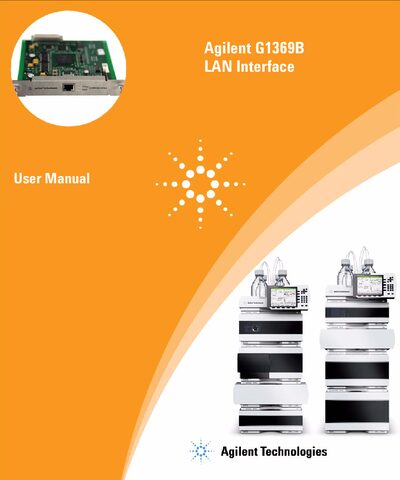
This manual describes the Agilent G1369B LAN Interface, a network card that enables remote control and data acquisition for Agilent HPLC, UV‑vis, A/D converter and GC instruments.
It covers installation, cabling, configuration (including TCP/IP and Bootp), manual setup via Telnet or handheld controller, PC and ChemStation integration, troubleshooting, firmware updates, and repair information.
| Manual Part Number | G1369-90001 |
|---|---|
| Product Part Number | G1369-60002 |
| Software Revision | A.01.xx |
| Edition | 05/10 |
It replaces the previously used HP JetDirect card in Agilent instruments.
It can be connected directly with a cross‑over cable or via a hub using twisted‑pair cables.
The LAN Interface works with the Agilent 1100, 1200 and 1260 series HPLC modules.