
This document is a user manual for a Motorola mobile phone, which introduces the common functions and usage methods of the phone.
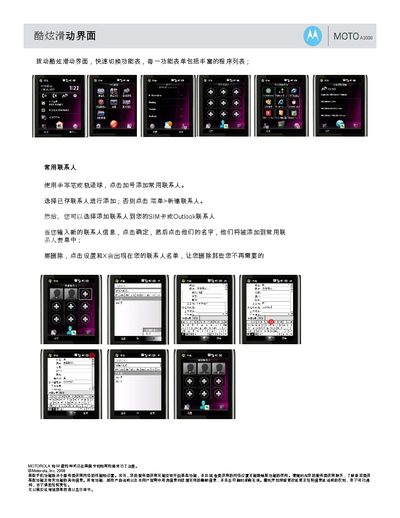
This manual describes how to manage contacts on the MOTO A3000. You can add a new contact using the stylus or trackball by tapping the plus sign, select an existing contact or create a new one via the menu, and delete contacts through the settings screen.
It also covers adding web bookmarks, setting up personalized weather locations, and accessing frequently used applications. The guide shows how to add shortcuts to web pages, configure city weather widgets, and customize the common‑program menu, as well as quick access to China Mobile services. This manual is written in Chinese.
Use the stylus or trackball, tap the plus sign, and then select an existing contact or create a new one via the menu.
Open Settings, tap Add Shortcut, enter the URL and a name, then save it to the favorites.
Go to Settings, choose Add City, enter the city name or postal code, select the city, and tap Save.
It provides quick access to your frequently used applications and lets you add or remove entries.