
This document introduces the unpacking and installation instructions of Agilent Cary 630 FTIR spectrometer.
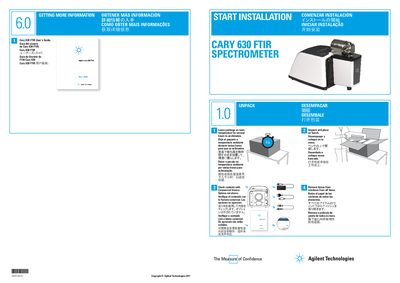
The document outlines the initial steps for setting up the Agilent Cary 630 FTIR spectrometer. It begins with unpacking procedures, advising users to acclimatize the package at room temperature before removing tissue from optical windows and checking contents against the commercial invoice.
Subsequent sections detail software installation using MicroLab PC, including logging in with administrator privileges and installing specific components like Resolutions Pro. The guide also covers hardware setup, such as sliding sampling modules into place and connecting USB and power cables, followed by system initialization and registration via a product key.
You must wait 30 seconds for initialization to complete, indicated when the red flashing light becomes solid green.
Leave the package at room temperature for several hours to acclimatize.
Wait 30 seconds until the red flashing light becomes solid green.