
MS Workstation 7.0.1 is a software released by Agilent Technologies. It supports MantaRay version of the 7890A Driver, and fixes some defects. This version does not support Dual/Multi Injection and Overlapped Samples features, and due to the limitation of Sample Name Field, it does not support Code 128 (20 characters), Code 128 (40 characters) and Interleaved 2 of 5 (31 characters) that have more than 19 characters.
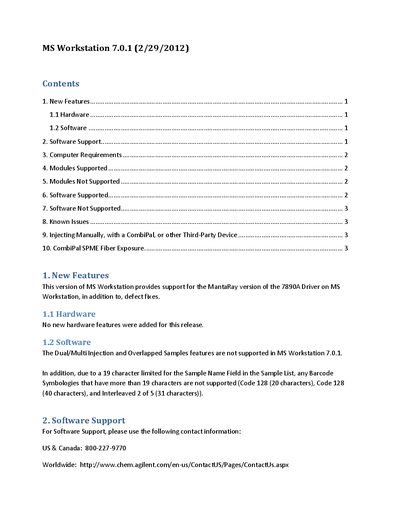
Agilent MS Workstation version 7.0.1 introduces support for the MantaRay version of the 7890A Driver and includes various defect fixes. This release does not add new hardware features but updates software compatibility and functionality.
The document outlines specific computer requirements, including an Intel Core2 Duo processor, 2 GB RAM, and Windows 7 Professional or XP. It lists supported modules for Mass Spectrometry (MS), Gas Chromatography (GC), and Liquid Chromatography (LC) as well as unsupported legacy modules.
| Minimum RAM | 2 GB |
|---|---|
| Minimum Disk Space | 100 GB |
| Supported Operating Systems | Windows 7 Professional or XP |
| Minimum Resolution | 1280 x 1024 |
No, the Dual/Multi Injection and Overlapped Samples features are not supported in this release.
Code 128 (20 characters), Code 128 (40 characters), and Interleaved 2 of 5 (31 characters) are not supported.
No, the 'No Injection' Injection Mode is not supported in this release.