
Apple Xserve Riser Blank Replacement Instructions

This document describes how to replace the riser blank on an Apple Xserve (Late 2006/Early 2008) 073-1110 Rev. B.
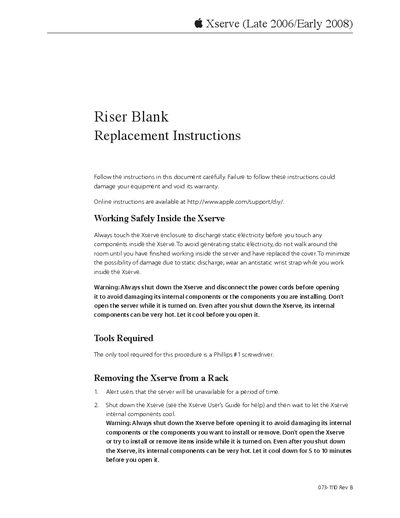

Apple Xserve Riser Blank Replacement Instructions - cover page
Brand
Apple
Category
Server peripheral
Document type
Service Manual
Language
English
Pages
4
File format
PDF
File size
146 KB
Published
05 June, 2012
Updated
30 September, 2023
MD5 checksum
26A21820B6AF4EC3E57C637F549E4BB9

About this manual

This document provides step-by-step instructions for replacing a riser blank in an Apple Xserve server. It details safety precautions, such as discharging static electricity and ensuring the system is powered off and cooled before opening the enclosure.

The guide covers removing the server from a rack, accessing internal components by removing the top cover, disconnecting the existing riser card, installing the replacement blank, and reassembling the unit.

What's inside

  • Working Safely Inside the Xserve
  • Removing the Xserve from a Rack
  • Opening the Xserve
  • Removing the Installed Riser Blank
  • Installing the Replacement Riser Blank
  • Closing the Xserve

Frequently asked questions

What tool is required for this procedure?

The only tool required for this procedure is a Phillips #1 screwdriver.

How long should the Xserve cool before opening?

You must let it cool down for 5 to 10 minutes before you open it.

Download PDF (146 KB)

More Apple Manuals


View all Apple manuals →