
This document contains five sections that update your manual. When you reach the corresponding sections in your manual, return to this update first for information. The information in this update applies to you whether your manual is the Apple TV/Video System User’s Guide or the Apple Video System User’s Guide.
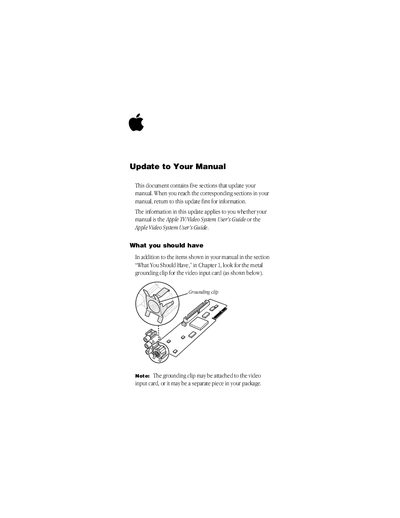
This manual update applies to users of the Apple Video System or Apple TV/Video System. It instructs users on installing a metal grounding clip for the video input card to ensure sufficient power for connected devices. The guide also details updated steps for installing the Apple Video Player application from disk.
You can find the Apple Video Player icon in the Apple Video Player folder, or in the Apple Extras folder on your hard disk.
Adjust the volume slider in the video window or check the computer's sound-related control panel to ensure the volume is not turned off.