
This manual describes how to set up, connect, and use your ColorStyleWriter2200 printer
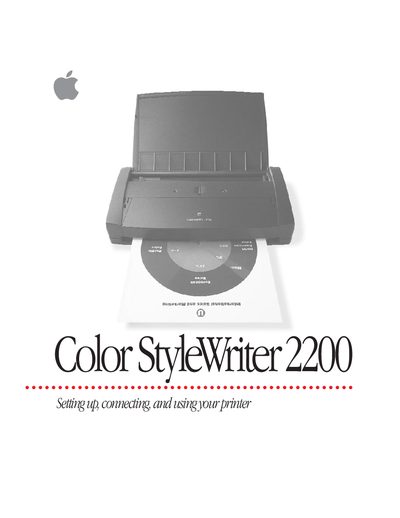
This manual provides instructions for setting up and using the Apple Color StyleWriter 2200. It covers unpacking the device, installing ink cartridges, connecting to a Macintosh computer via LocalTalk or Ethernet, and loading paper into the sheet feeder.
The guide also details how to print documents, adjust color options, create special effects like watermarks, and manage battery attachments for mobile printing. Additionally, it includes sections on maintaining the printer by cleaning printheads and replacing ink tanks, as well as troubleshooting common issues such as paper jams or poor print quality.
You can connect the printer using LocalTalk or Ethernet cables, as described in the section 'Connecting the printer to your Macintosh'.
Follow the instructions in the 'Replacing an ink cartridge' section of Chapter 5.
Refer to the troubleshooting guide for specific steps on how to clear a paper jam safely.