
This document introduces the features of iBook, including AirPort wireless network, volume and brightness adjustment, integrated handle, programmable function keys, battery charging indicator, CD or DVD drive, sleep indicator light and power button.
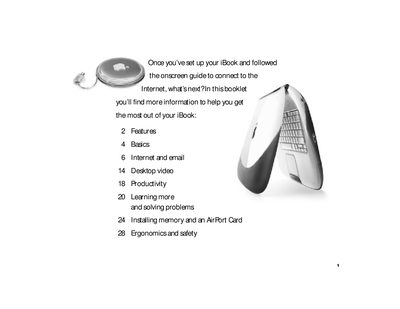
This booklet serves as a follow-up guide for Apple iBook owners who have completed their initial setup. It provides instructions on utilizing built-in hardware features such as volume controls, battery indicators, and various ports including Ethernet, FireWire, and Audio/Video connections. The document also details optional accessories like the AirPort Card for wireless networking.
A pulsating light indicates that the computer is in sleep mode.
You can share files with another computer or access a computer network by connecting via the Ethernet port.
Yes, you can connect a digital video camera using FireWire to create your own desktop movies.