
Apple Power Mac G4 CD/DVD Drive Replacement Instructions

This document provides instructions on how to replace the CD/DVD drive for Power Mac G4 / Macintosh Server G4. It includes detailed steps and precautions.
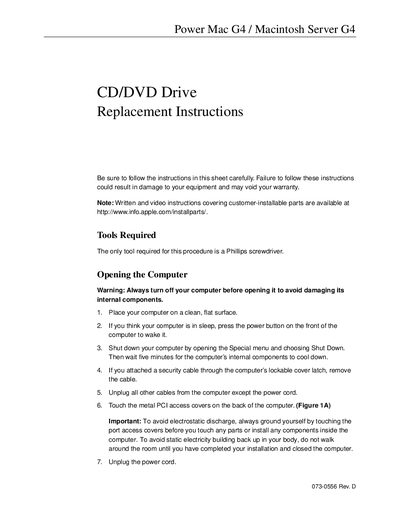

Apple Power Mac G4 CD/DVD Drive Replacement Instructions - cover page
Brand
Apple
Category
Optical drive
Document type
Service Manual
Language
English
Pages
8
File format
PDF
File size
274 KB
Published
05 June, 2012
Updated
29 September, 2023
MD5 checksum
83D951E50B01C133704CBF7AE02676B5

About this manual

This document provides step-by-step instructions for replacing a CD/DVD drive in an Apple Power Mac G4 or Macintosh Server G4. It details the necessary tools (a Phillips screwdriver) and safety precautions, such as grounding yourself to avoid electrostatic discharge and ensuring the computer is powered off before opening.

What's inside

  • Tools Required
  • Opening the Computer
  • Removing the Installed CD/DVD Drive
  • Installing the Replacement CD/DVD Drive
  • Closing the Computer

Frequently asked questions

What tools are required for this replacement?

The only tool required for this procedure is a Phillips screwdriver.

How long should you wait after shutting down the computer before opening it?

You must wait five minutes for the internal components to cool down.

Where can I find additional video instructions?

Written and video instructions are available at http://www.info.apple.com/installparts/.

Download PDF (274 KB)

More Apple Manuals


View all Apple manuals →