
Apple Power Mac G4 SCSI Card Replacement Instructions

This sheet describes how to replace the SCSI card in a Power Mac G4 or Macintosh Server G4.
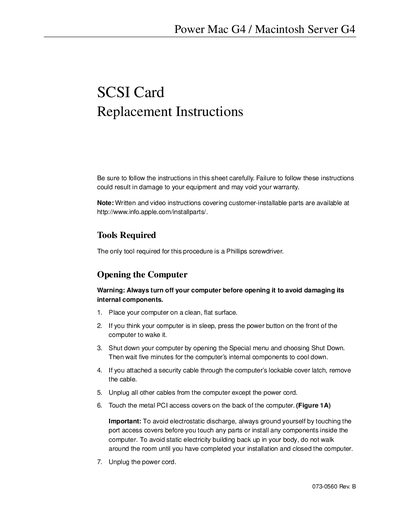

Apple Power Mac G4 SCSI Card Replacement Instructions - cover page
Brand
Power
Document type
Service Manual
Language
English
Pages
4
File format
PDF
File size
272 KB
Published
05 June, 2012
Updated
01 October, 2023
MD5 checksum
A68219CA9D5F84607EAA591F18C4F018

About this manual

This document provides replacement instructions for the SCSI card in Power Mac G4 and Macintosh Server G4 computers. It details the necessary tools, safety precautions regarding electrostatic discharge, and step-by-step procedures for opening the computer case, removing the old card, installing the new one, and closing the system.

What's inside

  • Tools Required
  • Opening the Computer
  • Removing the Installed Card
  • Installing the Replacement Card
  • Closing the Computer

Frequently asked questions

What tool is required to replace the SCSI card?

The only tool needed for this procedure is a Phillips screwdriver.

How long must you wait after shutting down before opening the computer?

You must wait five minutes to allow internal components to cool down.

What should you do if you meet resistance while inserting the card?

You should pull the card out, check for damage or obstructions, and then reinsert it.

Download PDF (272 KB)

More Power Manuals


View all Power manuals →