
Apple eMac Computers Stand Installation Installing the Optional Stand

This document provides instructions for installing the eMac computer stand, including the installation procedures for different eMac models.
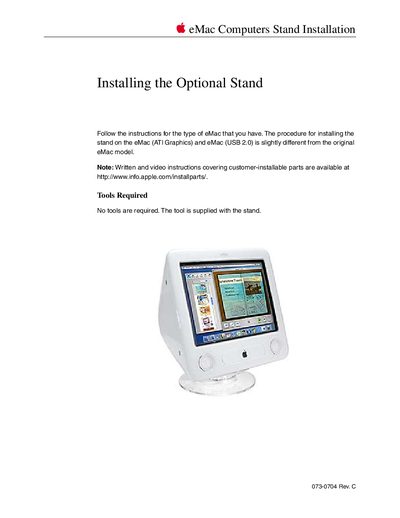

Apple eMac Computers Stand Installation Installing the Optional Stand - cover page
Brand
Apple
Category
All-in-One Desktops
Document type
Installation Guide
Language
English
Pages
13
File format
PDF
File size
611 KB
Published
05 June, 2012
Updated
28 September, 2023
MD5 checksum
0DA10662B8AE3EC91A9677C50969386F

About this manual

This document details the procedure for attaching an optional stand to Apple eMac computers. It distinguishes between installation steps for standard eMac models versus those equipped with ATI Graphics or USB 2.0 ports.

The guide specifies that no external tools are required as they are supplied with the stand. The process involves shutting down the computer, unplugging cables, and securing the stand to the bottom of the unit using screws located between the original feet.

What's inside

  • Tools Required
  • eMac Installation Procedure
  • eMac (ATI Graphics) and eMac (USB 2.0) Installation Procedure
  • Screw Removal
  • Stand Attachment
  • Tightening Screws
  • Final Steps

Frequently asked questions

Are tools required to install the stand?

No tools are required; the tool is supplied with the stand.

What preparation steps are required before installing the stand?

You must save open documents and quit all applications, then turn off the computer and unplug all cables.

What surface protection is needed during installation?

Place a soft towel or cloth on the desk or surface before turning the computer over.

Download PDF (611 KB)

More Apple Manuals


View all Apple manuals →