
Instruction manual for HP 30S scientific calculator
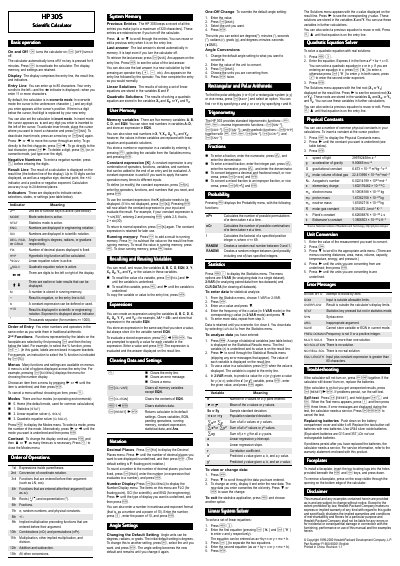
This manual explains how to operate the HP 30S scientific calculator, covering basic entry, display handling, and the four operating modes (Home, Statistics, Linear Solver, Quadratic Solver). It describes the keypad functions, menus, and how to customize settings such as contrast and angle units.
The guide also details memory usage, variable storage, statistical analysis, equation solving, physical constants, unit conversion, and troubleshooting steps, including battery replacement and self‑test procedures.
| Entry line length | up to 80 characters |
|---|---|
| Result line digits | up to 10 digits |
| Calculation accuracy | up to 24 decimal places |
| Battery type | LR44 silver oxide (equivalents G13, 357) |
Press O to turn the calculator on; press [OFF] to turn it off.
Press ! then press n or o repeatedly until the desired contrast is reached.
It uses two LR44 silver‑oxide button‑cell batteries (equivalents G13 and 357).