
This manual describes the features and usage of AirCruiser G Wireless Router GN-BR01G.
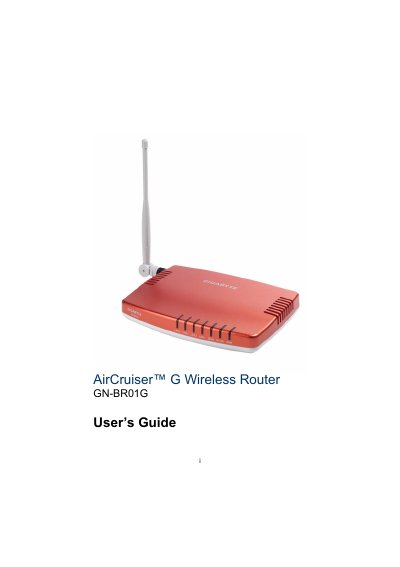
This guide introduces the Gigabyte AirCruiser G wireless router, a 54 Mbps 802.11g device with four 10/100 Mbps LAN ports, a WAN port, and built‑in SmartSetup 3 for easy installation. It covers hardware overview, package contents, and the router’s front and rear panel connectors.
The manual details step‑by‑step installation, wired and wireless configuration, advanced settings such as DHCP, VPN pass‑through, and security options, as well as management tools, troubleshooting tips, regulatory information, specifications, and warranty terms. This manual is written in Chinese.
| Wireless Frequency Band | 2412 ~ 2484 MHz |
|---|---|
| Data Rates | 54, 48, 36, 24, 18, 12, 11, 9, 6, 5.5, 2, 1 Mbps |
| LAN Ports | Four 10/100 Mbps Ethernet ports |
| WAN Port | 10/100 Mbps Ethernet |
| Power Supply | 7.5 V DC, 800 mA |
| Security | 64/128‑bit WEP, WPA‑PSK, WPA |
| Default Configuration IP | 192.168.1.254 |
The default IP address is 192.168.1.254.
It provides four 10/100 Mbps Ethernet LAN ports.
The router supports 64/128‑bit WEP, WPA‑PSK, and WPA.
It requires an external 7.5 V DC power supply at 800 mA.