
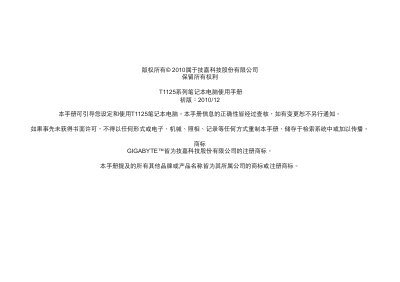
Gigabyte T1125 Series Notebook User Manual


Gigabyte T1125 Series Notebook User Manual - cover page
Brand
Gigabyte
Category
Laptops
Document type
User Manual
Language
Chinese
Pages
37
File format
PDF
File size
4.7 MB
Published
26 October, 2012
Updated
29 September, 2023
MD5 checksum
DEE7E250380BB28734954411F7FFBC2B

About this manual

The document serves as a user guide for the Gigabyte T1125 series notebook computers. It covers essential topics including safety precautions to prevent injury or damage to the device, proper handling of power adapters and batteries, and environmental conditions during operation.

Key sections include regulations regarding radio frequency exposure (FCC) and electromagnetic compatibility (CE), specific battery safety guidelines for lithium-ion cells, and instructions on travel preparation such as X-ray screening procedures. The manual also details warranty voiding conditions related to improper usage or damage. This manual is written in Chinese.

What's inside

  • Safety Precautions
  • Power Adapter Usage
  • Battery Safety
  • Regulatory Notices (FCC/CE)
  • Travel Instructions
  • Cleaning and Maintenance

Frequently asked questions

What is the maximum temperature at which the battery can be charged?

Charging is not possible at temperatures above 40°C (104°F).

What is the recommended operating temperature range for the notebook?

The operating temperature range is 0°C to 35°C.

What is the ideal storage temperature for the battery to maintain capacity?

The battery should be kept between 15°C and 25°C (59°F to 77°F).

Download PDF (4.7 MB)

More Gigabyte Manuals


View all Gigabyte manuals →