
This document is a user manual for the HP 49G calculator, providing information on advanced functions, key operations, basic operations, creating and editing expressions, and plotting graphs.
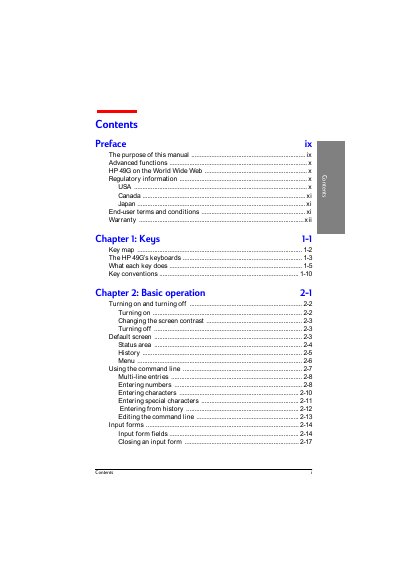
This manual explains how to use the HP 49G handheld calculator. It covers the keyboard layout, turning the device on and off, adjusting screen contrast, and navigating the various operating modes such as algebraic, RPN, and step‑by‑step.
Additional sections describe creating and editing expressions, plotting graphs, performing statistical analyses, programming with the built‑in language, and troubleshooting common errors. Appendices give details on connecting to other calculators, error messages, unit conversions, and memory reset procedures.
The manual includes a section titled “Turning on and turning off”.
There is a dedicated subsection called “Changing the screen contrast”.
The troubleshooting appendix provides a “Resetting the calculator” guide.