
This is a user manual for the HP Photosmart R707 digital camera, which includes information about setup, installation, and usage of the camera.
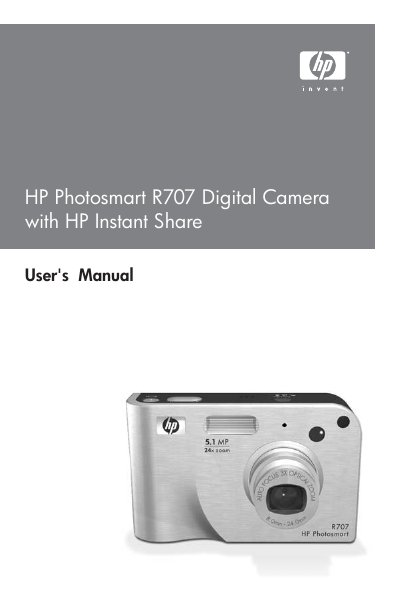
The manual begins with getting started instructions, covering battery installation, memory‑card insertion, and software setup on Windows or Macintosh computers. It also explains how to attach accessories such as the wrist strap and dock, and how to configure basic camera settings like language, date, and time.
Subsequent chapters describe shooting still pictures and video clips, using focus, zoom, flash, and various shooting modes, as well as reviewing, transferring, and printing images. The guide includes details on HP Instant Share, troubleshooting, battery management, and a full specifications appendix.
| Still picture resolution (total) | 5.36 MP (2690 × 1994) |
|---|---|
| Still picture resolution (effective) | 5.14 MP (2612 × 1968) |
| Video resolution | 320 × 240 |
| Sensor diagonal | 9.075 mm (1/1.8‑inch, 4:3 format) |
| Color depth | 36 bit (12 bits × 3 colors) |
| Lens focal length (wide) | 8 mm |
| Lens focal length (telephoto) | 24 mm |
| F‑Number (wide) | f/2.8 to f/4.8 |
| F‑Number (telephoto) | f/4.9 to f/8.4 |
| Optical zoom | 3× |
| Digital zoom | 8× |
| Internal flash memory | 32 MB (≈27 MB usable) |
| Supported memory cards | SD and MMC (8 MB +), up to 2 GB (tested to 512 MB) |
| USB interface | USB Mini‑AB receptacle (USB 2.0) |
| DC input | 3.3 V DC @ 2500 mA |
Insert a compatible SD or MMC card (8 MB or larger) into the memory‑card slot as described in the "Installing a Memory Card (Optional)" section.
The camera may support memory cards up to 2 GB, although HP has only tested cards up to 512 MB.
Connect the camera with the USB Mini‑AB cable or use the HP Instant Share menu to copy images to a Windows or Macintosh computer.
Select "Reset Settings" in the Setup menu to restore the camera to its original configuration.