
HP Photosmart R-series dock User's Manual. Introduces setting up, charging, using, etc.
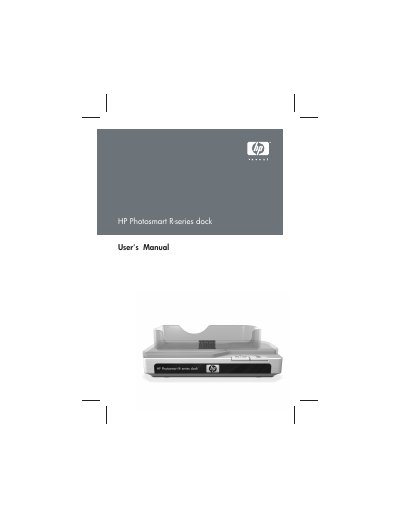
The HP Photosmart R-series dock lets you download images, print directly, charge the camera and a spare battery, and display photos on a TV. It includes a remote control that can navigate camera menus, rotate and magnify images, and trigger printing when connected to a printer.
The manual covers connecting the dock to a TV, AC power adapter, and USB cable, explains the meaning of dock lights and buttons, provides battery safety and charging times, and lists optional accessories and troubleshooting tips.
| Battery type | HP Photosmart R07 lithium ion battery |
|---|---|
| Power adapter voltage | 3.3 V AC |
| USB cable for computer/non‑HP printer | Part number C8887‑80003 |
Use the audio/video cable part number C6324‑61601, connecting the yellow plug to the video input and the red plug to the audio input on the TV, VCR, or DVD player.
No, the dock can be connected to either a computer or a printer, but not both simultaneously.