
This manual provides information on how to use the HP Photosmart R507/R607 digital camera.
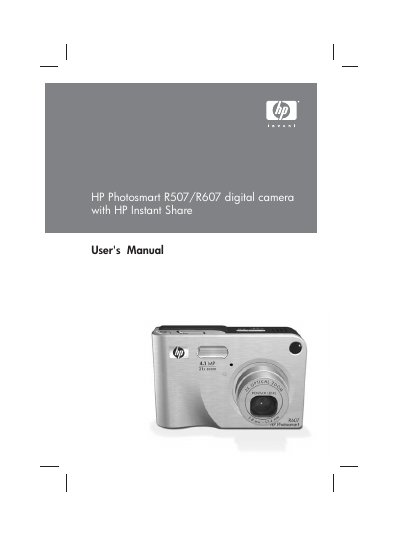
This manual covers everything you need to get started with the HP Photosmart R507/R607 digital camera, from unpacking and installing the battery to configuring the HP Instant Share feature. Detailed chapters guide you through taking still pictures, recording video clips, reviewing images, and printing directly from the camera.
Additional sections address battery management, memory‑card installation, USB and TV connections, and a comprehensive troubleshooting guide with error‑message explanations and support information.
| Still picture resolution (total) | 4.23 MP (2408 × 1758) |
|---|---|
| Still picture resolution (effective) | 4.05 MP (2320 × 1744) |
| Sensor diagonal | 7.2 mm (1/2.5‑inch, 4:3 format) |
| Color depth | 36 bit (12 bits × 3 colors) |
| Lens focal length | Wide 5.8 mm / Telephoto 17.4 mm |
| F‑Number (aperture) | Wide f/2.6‑f/4.3 / Telephoto f/4.8‑f/7.6 |
| Zoom | 3× optical, 7× digital |
| Internal flash memory | 32 MB total, ~27 MB usable for images |
| Memory‑card support | SD and MMC cards up to 2 GB (tested to 512 MB) |
| USB interface | USB Mini‑AB receptacle |
Insert the optional Camera Dock Insert as described in Chapter 1, “Installing the Camera Dock Insert (Optional)”.
The camera works with Secure Digital (SD) and MultiMediaCard (MMC) cards, supporting sizes up to 2 GB (HP tested up to 512 MB).
Set up the HP Instant Share menu on the camera and configure destinations on a Windows or Macintosh computer as explained in Chapter 4.
The battery is a lithium‑ion type; follow the safety precautions for using and recharging it, and note that the internal flash holds about 27 MB of image data.