
This document introduces the features and characteristics of the Cisco Small Business IP Phone SPA9XX series of products, including basic functions, installation methods, and usage methods.
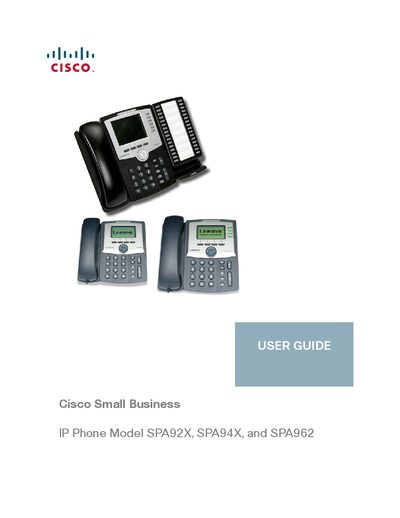
This guide describes how to set up and use Cisco SPA92X, SPA94X, and SPA962 IP phones. It includes chapters on getting started, hardware installation, basic phone functions, advanced features, and using the web interface.
The manual also provides information on the optional SPA932 Attendant Console, regulatory compliance, warranty, and where to find additional resources and related documentation.
| SPA962 Voice Lines | 6 |
|---|---|
| SPA962 Ethernet Ports | 2 |
| SPA962 PoE Support | Yes |
The desk stand can be attached as an optional step during installation, as described in Chapter 2.
Download the firmware, get the phone’s IP address, and install the firmware using the steps in Chapter 2.
Log in to the web interface as described in Chapter 5, then you can configure settings such as Do Not Disturb and call forwarding.
Yes, some models support PoE, allowing the phone to receive power from a PoE‑enabled switch.