
This document describes how to calibrate an AXIS network camera with Remote Focus and Zoom.
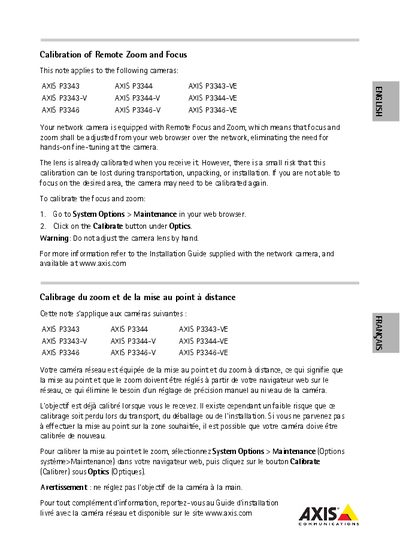
The calibration note applies to Axis P33 series cameras (e.g., P3343, P3344, P3343‑VE, etc.) and describes the risk that factory calibration may be lost during transport, unpacking, or installation. It directs users to perform a software‑based recalibration via the web interface.
To recalibrate, open the camera’s web interface, navigate to **System Options > Maintenance**, and click the **Calibrate** button under **Optics**. The note warns not to adjust the lens manually and refers users to the full Installation Guide available on www.axis.com for additional information.
Open the camera’s web interface, go to System Options > Maintenance, and click the Calibrate button under Optics.
Do not adjust the camera lens by hand during calibration.