
This document is the user manual of NEC VT700 projector
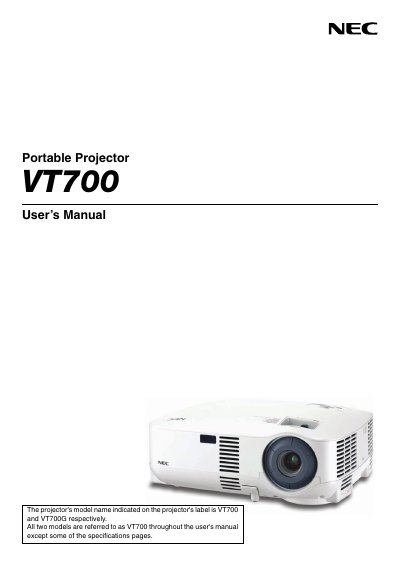
This manual covers important safety information, handling precautions, and proper installation of the NEC VT700 portable projector. It explains how to set up the projector on a desk or ceiling, connect video sources, and configure basic settings.
The guide also details regular maintenance tasks such as lamp replacement, filter cleaning, and troubleshooting common issues. Additional sections describe optional features, on‑screen menu navigation, and the TravelCare service program.
Replace the lamp when the message "The lamp has reached the end of its usable life. Please replace the lamp." appears, following the instructions in the manual.
The tilt angle should not exceed 10 degrees; exceeding this may shorten lamp life.
Select [Fan Mode] → [High Altitude] when operating above roughly 5,500 ft (1,600 m) to prevent overheating.
Turn off the main power by removing the plug from the power outlet.