
This is the user manual for Nokia N97 mini, which introduces how to use the Wi-Fi function of Nokia N97 mini
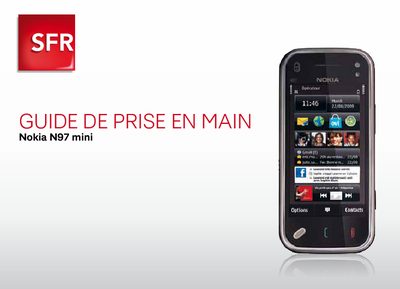
This guide provides step‑by‑step instructions for getting started with the Nokia N97 mini on the SFR network. It explains how to activate SFR Wi‑Fi, configure OVI Messaging, use OVI Maps, and access TV services.
Additional sections cover using the phone abroad, disabling data‑intensive services, and contacting SFR support. The document is written in French and is aimed at new users of the device.
From the home screen tap ‘Configurer email’, then choose ‘Commencer’ and finally tap ‘Demarrer’ to set up the OVI Messaging account.
Open the home screen, go to ‘Internet’, select ‘Connexion’, and choose ‘Non’ to turn off OVI Cartes data connection.
From the home screen open ‘Paramètres’, select ‘Mail’, then set the connection mode to ‘Non’ while abroad.