
Nokia E63 User Guide
This guide covers safety guidelines, battery handling, and basic phone setup such as installing the battery, turning the device on, and adjusting volume and screen contrast. It also explains how to use core phone functions like making calls, managing contacts, sending messages, and configuring voice mail.
Additional sections describe wireless network services, Internet connectivity, accessory usage, and a troubleshooting FAQ to help resolve common issues. Legal information, warranty details, and contact information for Nokia support are also included.
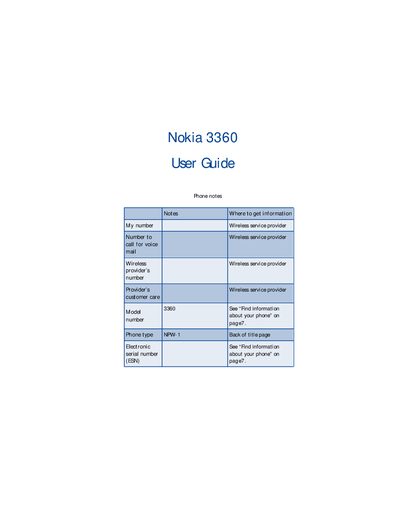
| Phone type | NPW-1 |
|---|---|
| Network compatibility | TDMA and AMPS |
Press the power button to switch on your phone.
Use the voice mail menu to set up your voice mailbox and greetings.
Select the volume adjustment option in the settings menu.
Choose the Wireless Internet option in the services menu and follow the connection steps.