
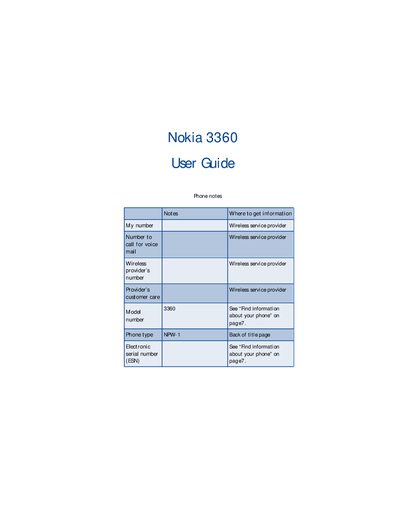
Nokia 3360 user guide, contains information of phone notes, information sources, phone numbers, network service providers etc.
This guide covers safety information, battery installation, charging, and basic phone setup for the Nokia 3360. It includes details on connecting headsets, adjusting volume and screen contrast, and restoring factory settings.
The manual also explains how to use phone functions such as making calls, managing contacts, sending text messages and e‑mail, accessing the wireless Internet, customizing ringtones and profiles, and troubleshooting common issues.
| Network compatibility | TDMA and AMPS |
|---|
The Nokia 3360 is approved for use on TDMA and AMPS networks.
Select the voice mail option in the menu, then follow the prompts to set up your mailbox and record greetings.
Insert the charger into the phone’s charging port and connect the charger to a power source.
Choose the ‘Restore the factory settings’ option in the settings menu to reset the phone.