
The Nokia E71 is a product that complies with Directive 1999/5/EC and has features such as Nokia Connecting People, Eseries, Nokia E71, and Visual Radio.
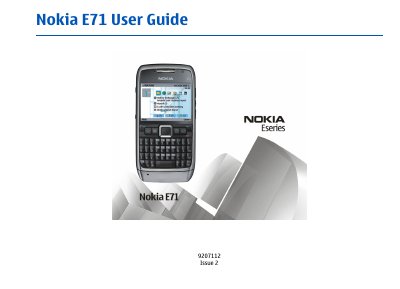
This guide begins with safety warnings, regulatory information, and an overview of the Nokia E71 hardware, including battery handling, SIM and memory‑card insertion, and key components. It also describes the device’s main features such as the keypad layout, display, and built‑in GPS and multimedia capabilities.
The remainder of the manual explains how to operate the phone: making voice and video calls, sending text, multimedia and email messages, using internet and Wi‑Fi connections, navigating the home screen and menus, personalising profiles and themes, managing security settings, backing up data, and troubleshooting common issues.
Insert the SIM card and battery as described on page 16.
Set up an access point for WLAN manually following the steps on page 70.
Use the lock function described on page 112 to secure the phone.