
This document is a setup and daily use guide for a printer. It includes information on printer setup, software installation, daily operation, troubleshooting, and customer support contact information.
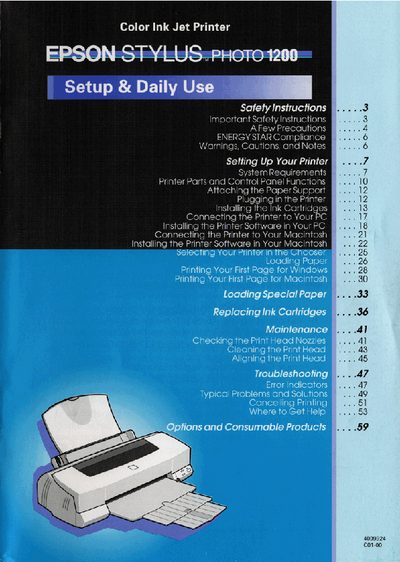
This manual guides you through setting up the Epson Stylus Photo 1200, including connecting power, installing ink cartridges, and installing printer software on both PC and Macintosh systems. It also covers safety instructions, handling of ink cartridges, and proper placement of the printer.
The daily‑use section explains routine operation, troubleshooting tips, and where to find additional reference guides such as the USB User's Guide, Color Guide, and online resources on the supplied CD‑ROM. Contact information for customer support is also provided.
It contains setup instructions, printer‑software installation steps, daily operation details, troubleshooting tips, and customer‑support contact information.
Do not block or cover printer openings, avoid inserting objects, keep liquids away, use the correct power source, and ensure proper grounding.
Make sure the print head is in the home (far right) position and the ink cartridges are installed.