
The Canon 44-inch Stylus Pro 9890 printer offers accurate color reproduction with unbeatable productivity
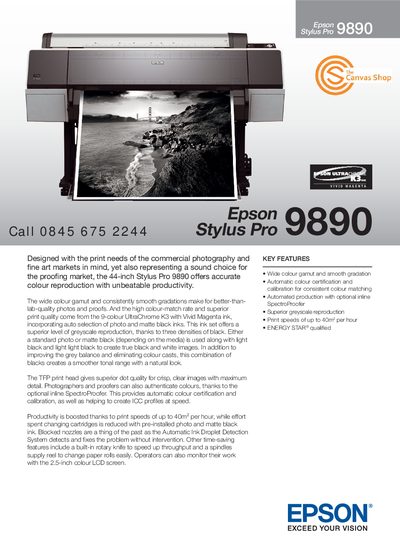
The Epson Stylus Pro 9890 is a 44‑inch large‑format printer aimed at commercial photography, fine‑art, and proofing markets. It offers a wide colour gamut, smooth gradation, and up to 40 m² per hour print speed in draft mode, with ENERGY STAR® qualification.
The manual details the printer's hardware, including the 9‑colour UltraChrome K3 ink set, TFP printhead with 360 nozzles, 2.5‑inch colour LCD, USB and Ethernet interfaces, and optional inline SpectroProofer for automatic colour certification. It also lists specifications for paper handling, power consumption, noise level, and environmental operating ranges.
| Print resolution | 2880 x 1440 p |
|---|---|
| Print speed (draft mode) | up to 40 m² per hour |
| Ink set | 9‑colour Epson UltraChrome K3 + VM Ink |
| Roll paper width | 44‑inch (254 mm) to 1,118 mm |
| Power consumption (operating) | 8.5 W |
| Operating temperature range | 10 °C – 36 °C |
The printer can print up to 40 m² per hour in draft mode.
It uses a 9‑colour UltraChrome K3 ink set, including photo black, matte black, cyan, magenta, yellow and light variants.
The printer offers a Hi‑speed USB (USB 2.0 compatible) port and an Ethernet 100BASE‑TX interface.
The printer operates between 10 °C and 36 °C.