
This document is a guide to digital photography, providing information on the basics and techniques of digital photography. The document also mentions some trademark information, including Apple, Microsoft, and Internet.
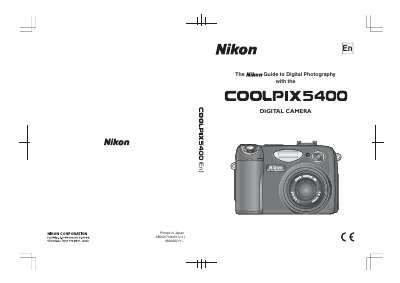
This manual covers safety precautions, battery handling, and basic setup to get the Nikon E5400 ready for shooting. It explains how to insert batteries, install memory cards, and configure essential settings.
The guide then walks through the camera's menus, shooting modes, flash, focus, and playback functions, and includes technical notes on accessories, FCC compliance, and troubleshooting. This manual is written in Chinese.
| Battery type (primary) | EN-EL1 lithium‑ion rechargeable |
|---|---|
| Battery type (alternative) | 2CR5 (DL245) lithium battery |
| Memory card type | CompactFlash (CF) card |
Only rechargeable Nikon EN‑EL1 lithium‑ion batteries or six‑volt 2CR5 (DL245) lithium batteries should be used.
Reorient or relocate the receiving antenna, increase separation from the equipment, or use a different circuit outlet.