
The MAX218 is a low-power RS-232 transceiver from TI that can be powered directly from two alkaline, nickel-cadmium, or nickel-metal hydride cells, without any form of voltage regulator. It provides a wide +1.8V to +4.25V operating voltage range, while maintaining true RS-232 and EIA/TIA-562 voltage levels.
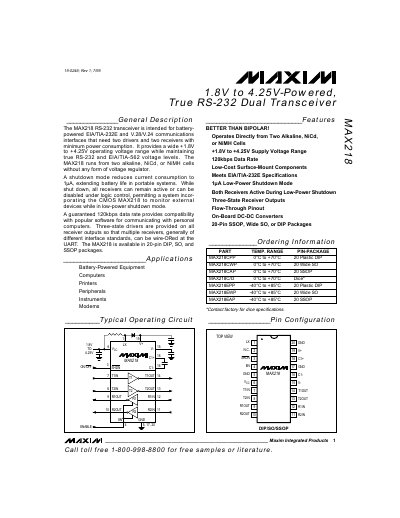
The MAX218 is a battery‑powered RS‑232 transceiver that provides two drivers and two receivers with true EIA/TIA‑232E and EIA/TIA‑562 voltage levels. It operates over a wide supply range of 1.8 V to 4.25 V and can run directly from alkaline, NiCd or NiMH cells without any external regulator.
A shutdown mode reduces the supply current to 1 µA (as low as 0.04 µA in some configurations), allowing portable systems to conserve battery life while keeping the receivers active for monitoring external devices. The device supports a guaranteed 120 kbps data rate and offers three‑state drivers for wire‑ORed receiver connections.
| Shutdown current | 1 µA (typical) / 0.04 µA (minimum) |
|---|---|
| Data rate | 120 kbps (guaranteed) |
| Package options | 20‑pin DIP, SO, SSOP |
| Operating temperature (C) | 0 °C to +70 °C (some variants –40 °C to +85 °C) |
The MAX218 can draw as little as 1 µA in shutdown mode, and in some configurations the current can be reduced to 0.04 µA.
The MAX218 guarantees a data rate of 120 kbps.