
The MAX3218 is an RS-232 transceiver with low power consumption, supports a wide voltage range from 1.8V to 4.25V, and has Maxim's AutoShutdown™ feature.
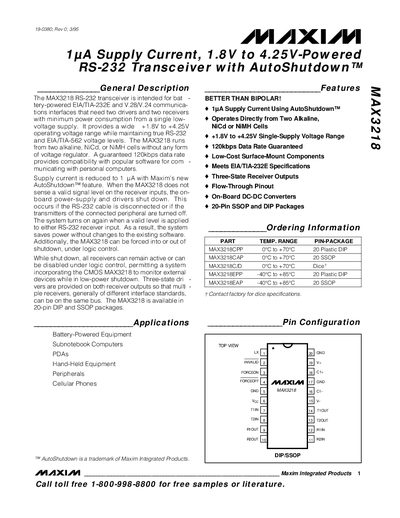
The MAX3218 RS‑232 transceiver is designed for battery‑powered applications such as sub‑notebook computers, PDAs, and handheld equipment. It operates from a single low‑voltage supply (1.8 V‑4.25 V) and provides true EIA/TIA‑232E and V.28/V.24 voltage levels while consuming as little as 1 pA in AutoShutdown mode.
The device is offered in 20‑pin DIP and SSOP packages and includes three‑state receiver outputs, on‑board DC‑DC conversion, and logic‑controlled shutdown features. Detailed electrical characteristics, pin descriptions, and recommended external components are provided for designers.
| Operating Voltage Range | 1.8 V to 4.25 V |
|---|---|
| Supply Current (AutoShutdown) | 1 pA |
| Maximum Data Rate | 120 kbps |
| Available Packages | 20‑pin DIP and SSOP |
| Input Logic Threshold Low | 0.33 × VCC |
| Output Voltage Low | 0.4 V |
The MAX3218 draws only 1 pA in AutoShutdown mode.
It operates from a single supply voltage between 1.8 V and 4.25 V.
The device is available in 20‑pin DIP and 20‑pin SSOP packages.
The transceiver supports up to 120 kbps data rate.