
This document is a teacher training manual for the Lancaster School District, including specifications and features of the Lenovo ThinkPad R61 laptop computer.
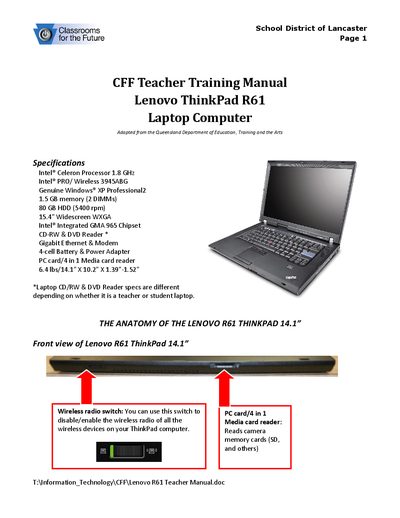
The Lenovo ThinkPad R61 Teacher Training Manual provides an overview of the laptop’s hardware, including the Intel Celeron processor, wireless card, memory, storage and display. It also describes the anatomy of the device, showing the locations of ports, connectors, the Ultrabay, docking connector and battery.
The guide walks teachers through getting started, powering on and off, using standby and hibernate modes, keyboard shortcuts, battery status indicators, and proper care and cleaning of the computer, keyboard and screen.
| Processor | Intel® Celeron 1.8 GHz |
|---|---|
| Wireless card | Intel® PRO/ Wireless 3945ABG |
| Operating system | Windows® XP Professional |
| Memory | 1.5 GB (2 DIMMs) |
| Hard drive | 80 GB HDD (5400 rpm) |
| Display | 15.4" widescreen WXGA |
| Chipset | Intel® Integrated GMA 965 |
| Optical drive | CD‑RW & DVD reader |
| Network | Gigabit Ethernet & modem |
| Battery | 4‑cell battery |
Press and hold the power button above the center of the keyboard for a second or two until the laptop starts.
Press the Fn + F4 key combination (also called sleep mode) to place the computer in standby.