
This is a product manual for an automatic wrist blood pressure monitor. It includes instructions on how to use the monitor, safety notes, and maintenance tips.
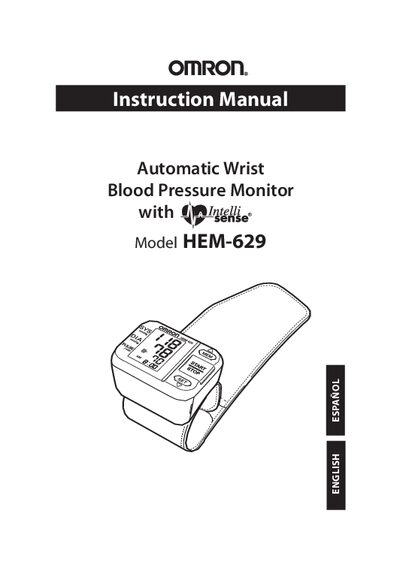
The Omron HEM-629 is an automatic wrist‑type blood pressure monitor designed for home use. It uses the oscillometric method to measure blood pressure and pulse, displaying results on a digital screen.
This manual explains how to install batteries, set the date and time, apply the wrist cuff, take measurements, use the memory function, and perform basic maintenance. It also includes safety precautions, error indicators, troubleshooting tips, FCC information, warranty details, and full technical specifications.
| Measurement Range – Pressure | 0 to 299 mmHg |
|---|---|
| Measurement Range – Pulse | 40 to 180 beats/min |
| Accuracy – Pressure | Within ±3 mmHg |
| Accuracy – Pulse Rate | Within ±5% of reading |
| Power Supply | Two AAA alkaline batteries |
| Battery Life | Approximately 300 measurements |
| Operating Temperature | 50°F to 104°F (10°C to 40°C) |
| Weight of Main Unit | Approximately 120 g |
The Low Battery Symbol indicates that the batteries need to be replaced; measurement values are retained, and you should reset the date and time after replacement.
The monitor automatically stores up to 60 measurement values with date and time.
If there is no display, replace the worn batteries and ensure they are installed with correct polarity.