
ADN2847 is a 3.3V dual-loop 50Mbps to 3.3Gbps laser diode driver. It features single 3.3V operation, typical rise/fall time of 80ps, bias current range of 2mA to 100mA, modulation current range of 5mA to 80mA, monitor photodiode current of 50μA to 1200μA, and more.
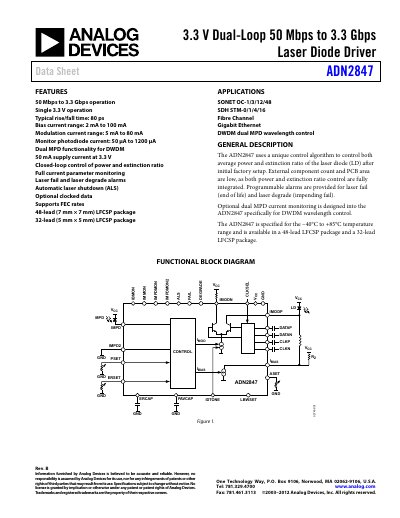
The ADN2847 is a dual‑loop laser diode driver supporting data rates from 50 Mbps to 3.3 Gbps. It operates from a single 3.3 V supply, offers low power consumption, and includes dual MPD functionality for DWDM applications.
The datasheet provides full specifications, functional block diagram, pin descriptions, timing diagrams, thermal data, and ordering information, along with details on alarms, monitor currents, and optional features such as IDTONE and dual MPD support.
| Supply voltage (VCC) | 3.0 V to 3.6 V |
|---|---|
| Operating temperature range | -40°C to +85°C |
| Laser bias current (I_BIAS) | 2 mA to 100 mA |
| Modulation current (I_MOD) | 5 mA to 80 mA |
| Monitor photodiode current (MPD) | 50 µA to 1200 µA |
| Typical supply current | 50 mA at 3.3 V |
| Supported data rate | 50 Mbps to 3.3 Gbps |
The device operates from –40 °C to +85 °C.
VCC must be between 3.0 V and 3.6 V.
It supports data rates from 50 Mbps up to 3.3 Gbps.
The driver provides DEGRADE and FAIL alarm outputs.