
This manual introduces the installation and operation procedures for Kenwood DNX7100/DNX710EX GPS Navigation System.
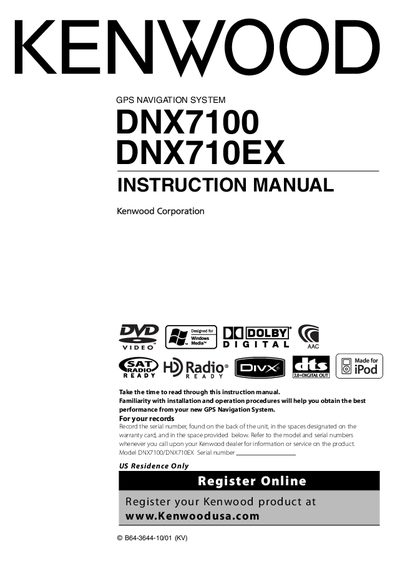
This manual explains how to install, connect, and operate the Kenwood DNX7100/DNX710EX GPS navigation system. It covers safety precautions, wiring, compatible disc changers, iPod accessories, and the use of the remote controller. Detailed sections describe navigation control, audio/video playback, HD radio, hands‑free phone functions, and system setup options.
Additional chapters provide troubleshooting tips, a reset procedure, cleaning instructions, and full technical specifications such as frequency ranges, power output, dimensions, and environmental limits. The document also includes regulatory compliance information and licensing notices.
| Frequency Range | 530 kHz - 1700 kHz |
|---|---|
| Operating voltage | 14.4 V (11‑16 V allowable) |
| Maximum Power (Front & Rear) | S0W x4 |
| Dimensions (W × H × D) | 218 mm × 112 mm × 163 mm |
| Weight | 22.85 kg (6.3 lb) |
Press the Reset button; the unit returns to factory settings.
Do not place metallic objects inside the unit, ground it to a negative 12 V DC supply, and avoid direct sunlight or excessive heat.
iPod nano (software 1.2), iPod nano second generation (software 1.1.1), and iPod with video (software 1.2) can be controlled when connected with the optional iPod connection cable.
Only CD‑R or CD‑RW discs that have been finalized can be played; unfinalized discs will not work.