
This document introduces the new features of the Fujifilm X100 digital camera, including the RAW button, sensitivity auto control settings, autofocus magnification display, face magnification display during playback, language settings, and considerations when using a wide conversion lens.
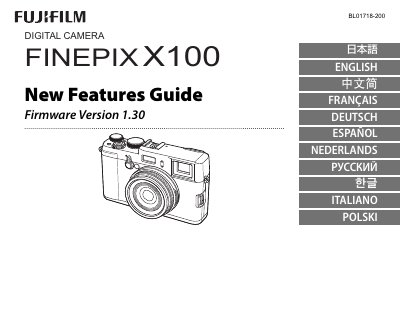
The guide explains new functions that supplement the original camera manual. It covers the expanded RAW button assignments, ISO AUTO control, focus‑area zoom, face‑zoom during playback, language selection, and the use of the optional wide conversion lens (WCL‑X100).\n\nInstructions are provided for assigning functions to the RAW button, enabling ISO AUTO, zooming the active focus area, switching between detected faces, selecting languages, and installing or removing the wide conversion lens, including warnings about flash shadows and field‑of‑view changes.
| Wide conversion lens effect on flash | May cast shadows when using built‑in flash |
|---|