
This document is the firmware upgrade manual for PSR-S910 and PSR-S710, version 1.10, which adds support for the Wi-Fi Protected Access (WPA) wireless encryption standard and the Wi-Fi Protected Setup (WPS)*2 standard, which makes it easier to set up wireless home networks.
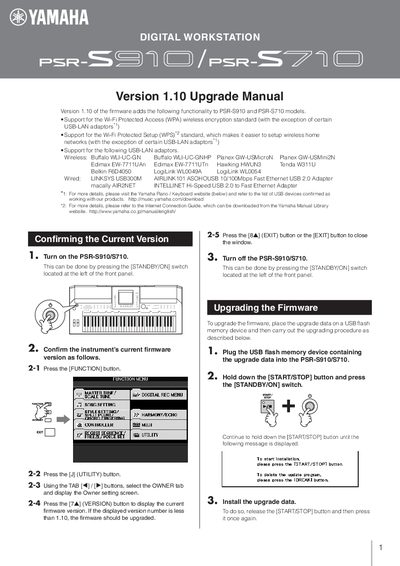
The Version 1.10 Upgrade Manual provides step‑by‑step instructions for installing the latest firmware on Yamaha PSR‑S910 and PSR‑S710 digital workstations. It lists the supported Wi‑Fi encryption standards (WPA, WPS) and compatible USB‑LAN adapters, and explains how to confirm the current firmware version.
The guide also covers how to safely delete upgrade data from a USB flash drive, with important precautions such as keeping the USB device connected and the instrument powered on throughout the process. Upgrade time is roughly five minutes, and the resulting firmware version should read 1.107.
| Supported Wi‑Fi encryption | WPA |
|---|---|
| Supported USB‑LAN adapters (wireless) | Buffalo WLI‑UC‑GN, Planex GW‑USMini2N, Edimax EW‑7711UAn, Tenda W311U, Belkin F6D4050, … |
| Firmware upgrade duration | approximately 5 minutes |
| Installed firmware version after upgrade | 1.107 |
Copy the upgrade data to a USB flash memory device, insert it into the keyboard, hold the [START/STOP] button and press the [STANDBY/ON] switch, then follow the on‑screen prompts to install the new firmware.
Insert the USB flash memory device containing the upgrade data, hold the [START/STOP] button and press the [STANDBY/ON] switch, then press the [BREAK] button and confirm the deletion.
Do not unplug the USB flash memory device and do not turn off the instrument while the firmware is being installed, otherwise the keyboard may become unusable.