
The Sony Ericsson K550i Quick Start Guide introduces how to use the Sony Ericsson K550i phone, including how to select contacts, set up voice mail, and use text messages.
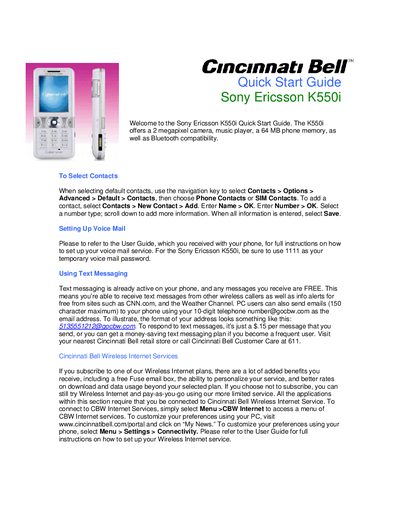
The Sony Ericsson K550i Quick Start Guide provides concise instructions for getting started with the phone’s core features. It introduces the device’s 2 megapixel camera, music player, 64 MB of internal memory and Bluetooth connectivity.
Key sections walk you through selecting contacts, setting up voicemail, sending text messages, composing ringtones, taking photos and videos, using the music player, enabling Bluetooth, and securing the phone with a PIN lock. The guide also references additional services from Cincinnati Bell such as Wireless Internet and downloadable games.
| Camera resolution | 2 megapixel |
|---|---|
| Phone memory | 64 MB |
| Bluetooth compatibility | Supported |
| Bluetooth range | up to 30 feet |
Use the temporary voicemail password 1111 and follow the full instructions in the User Guide.
Go to Menu > Settings > Sounds & Alerts > Ringtone, or use Music DJ under Menu > Entertainment to create a custom tone.
Enable the SIM lock via Menu > Settings > General > Locks > SIM Lock > Protection and set a 4‑8 digit PIN code.