
This document is the user guide for the A90f+ color monitor, including product registration, getting started, monitor settings, other information, troubleshooting, customer support, cleaning the monitor, and limited warranty.
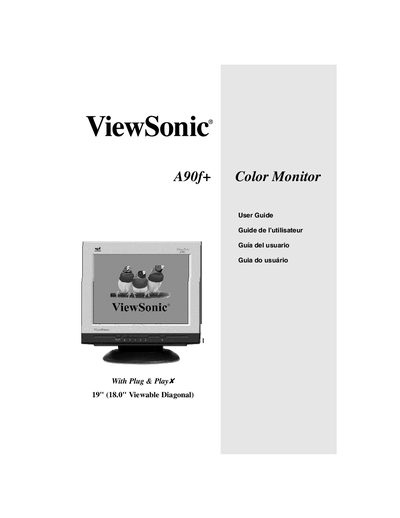
This guide covers everything you need to get started with the ViewSonic A90f+ color monitor, from unpacking and connecting the power and video cables to configuring the display settings. It includes detailed instructions for using the OnView controls, adjusting contrast, brightness, and other picture settings, as well as safety and compliance information.
Additional sections provide troubleshooting tips, warranty details, and how to register your product online. The manual is designed for both Windows and Macintosh users and includes quick‑start steps for fast installation.
| Screen size | 19" (18.0" viewable diagonal) |
|---|---|
| Recommended resolution and refresh rate | 1280 x 1024 @ 75 Hz |
| Model number | VCDTS23307-2 |
Press and hold the [1] and [v] buttons for 10 seconds; the display will show “OSD Locked” for 5 seconds.