
This document introduces the features of Hisense LED TV in detail, including the characteristics, advantages and application scenarios of Hisense LED TV
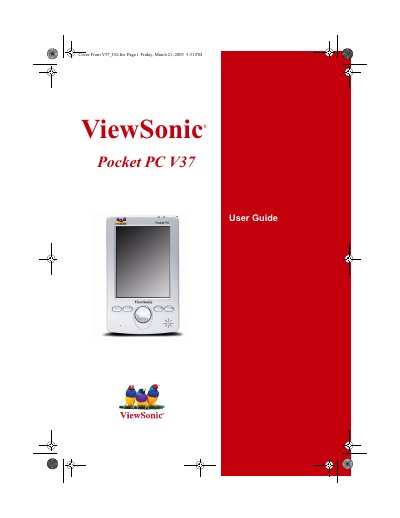
This guide introduces the ViewSonic Pocket PC V37, a Windows‑based handheld computer, and walks you through unpacking, basic operation, and using built‑in applications. It covers hardware components, battery charging, memory cards, and the stylus.
Key sections include Getting Started, Basic Skills, connectivity with Microsoft ActiveSync and network/Internet, program management, and a detailed Troubleshooting and Maintenance chapter that helps resolve power, memory, screen, and connection issues.
| Product Name | ViewSonic Pocket PC V37 |
|---|---|
| Model Number | VSMW27026-1 |
Visit www.viewsonic.com and register your product online.
Use the backup feature to back up all data before sending the device for repair.