
This manual guides you through using the camera, including capturing images, downloading images and using the application software.
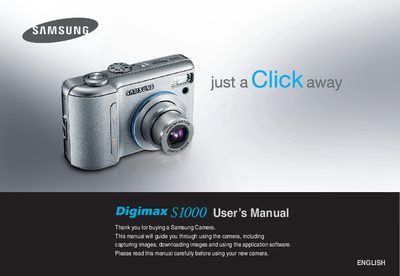
This manual guides you through the safe setup and use of the Samsung S1000 digital camera, including power preparation, memory card insertion, and connecting to a PC via the supplied USB cable. Safety warnings cover hazards such as liquid exposure, fire risk, and proper battery handling.
The guide details the camera’s features, button layout, operating modes (auto, program, manual, movie clip, scene, etc.), playback functions, and software setup for Windows and Mac. It also lists specifications for batteries, memory cards, and accessories, and provides contact information for service centers.
| Battery type | AA Alkaline |
|---|---|
| Rechargeable battery model | SBP-2524 |
| Memory card compatibility | SD and MMC |
| USB cable | Included USB cable |
| Cradle charger model | SBC-N1 |
Insert the supplied USB cable into the PC’s USB port and the camera’s USB connection terminal, then install the driver from the CD.
Switch off the camera, disconnect the power source, and contact an authorized service centre.